Create search queries
Sintelix has a powerful set of search capabilities, with a wide range of search facets available, so you can run multifaceted searches to refine your results. This topic will show you how to search within a single collection Once source data has been ingested, the resulting Documents are stored in a Collection. Once Documents are stored in a Collection, you can browse, search and edit Documents. Only text-based Documents is stored in Collections, not the original source files., and across multiple collections, using each facet.
These search facets are available within Sintelix:
- text
- text references
- document tags
- document properties
- ingestion properties
- document dates and times
- document similarities
- document IDs
- network node references
Sintelix cross-references location names in ingested documents with an internal database, then assigns geocoordinates (latitude and longitude) to each location. With the text reference search facet, you can search for documents that contain references to locations within a specific geographic area. For example, you may want to find documents that reference locations within a 500 km radius of a particular capital city, or a disease outbreak or a war zone. For more information see Search geocoordinates.
To create a search query:
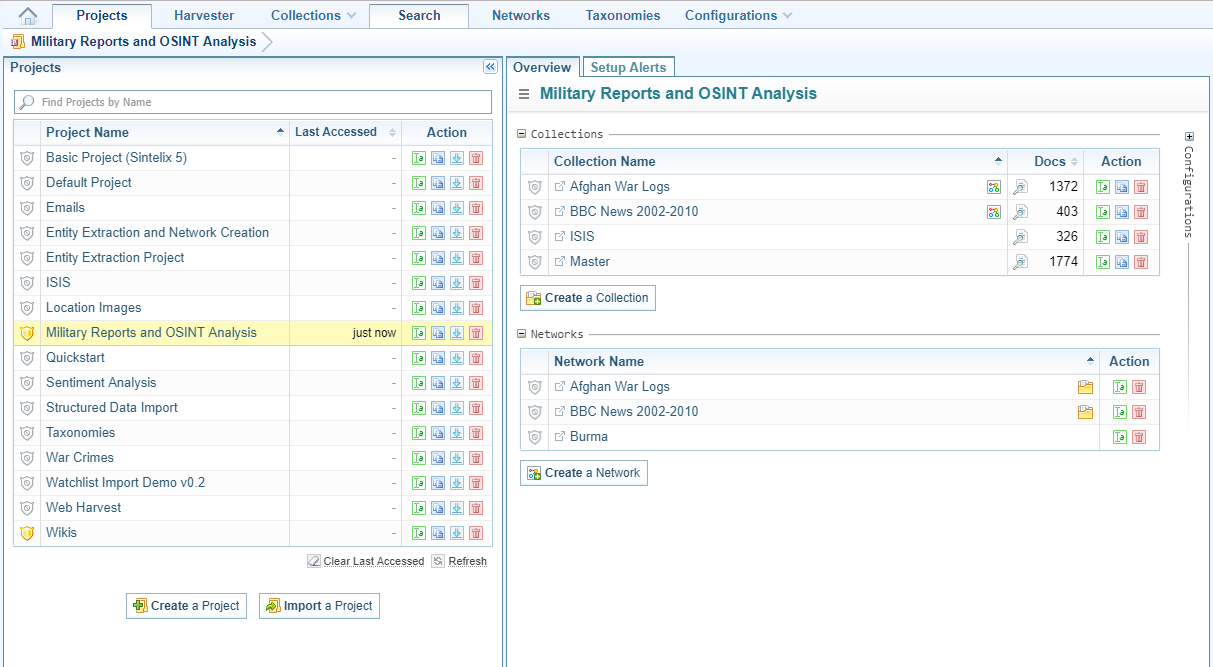
- Open the project in which you want to create the query.
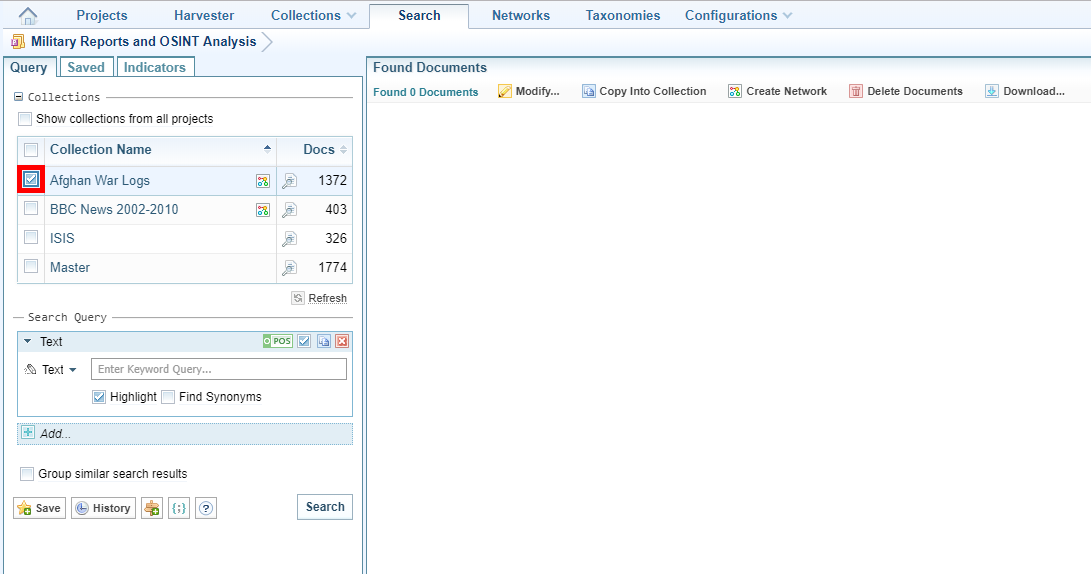
- On the Main Navigation Bar click Search
- In the Query tab, select the collections to search.
- Do one of the following:
- From the facet dropdown list select Text.
- Do one of the following:
- To search for a specific word or phrase, select Text from the dropdown list then enter the word or phrase.
- To search for multiple words or phrases select Dictionary from the dropdown list, then choose the wordlist you want to use.
- Modify the search using the Search Options, if required:
- When you are satisfied with your query, click Search.
- From the facet dropdown list select Text Reference
- From the Tag dropdown list select the text reference class you want to search in (for example, Person, organisation, Location).
- Select the query type, that is:
- Text, then enter the specific word or phrase you want to find.
- Dictionary, then select the dictionary and wordlist you want to use. Using a Dictionary enables you to quickly include groups of related keywords in a query.
- DateTime, then select the date range you want to search in.
- Context is used to refine search results so that only text references that meet a specified context criteria are returned in search results. To add another context item as an alternative (for example, an OR operation), click Add Context Query, then enter the query. For more information see Context query language.
- Modify the search using the Search Options, if required:
- When you are satisfied with your query, click Search.
- From the facet dropdown list select Text References
- From the Tag dropdown list select Location.
- Select the ‘Coordinates’ query type.
- Click in the field beside the dropdown list. A world map displays.
- Do one or more of the following:
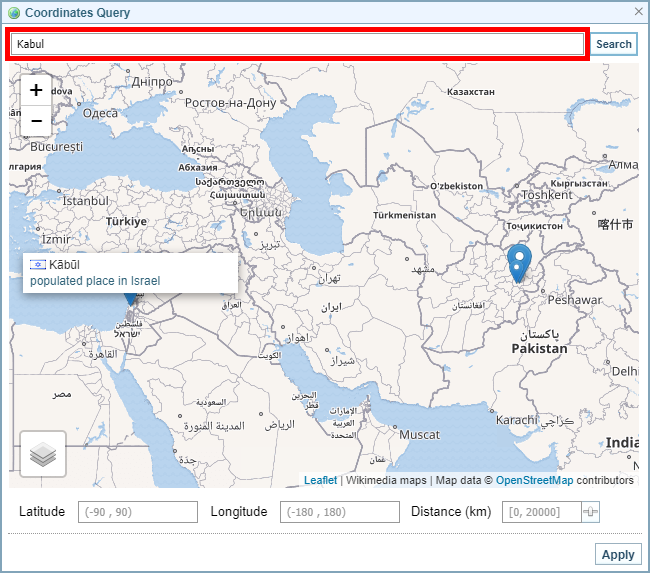
- To locate a town, city or country as a reference point, enter the name in the field above the map, then click Search. A blue map marker is placed at the location that matches. If several locations have the same name, a blue map marker is shown for each location. The largest marker indicates the location with the largest population. Hover over the markers for more details. To select a location, click on the map marker. The map marker turns red to indicate that it has been selected.
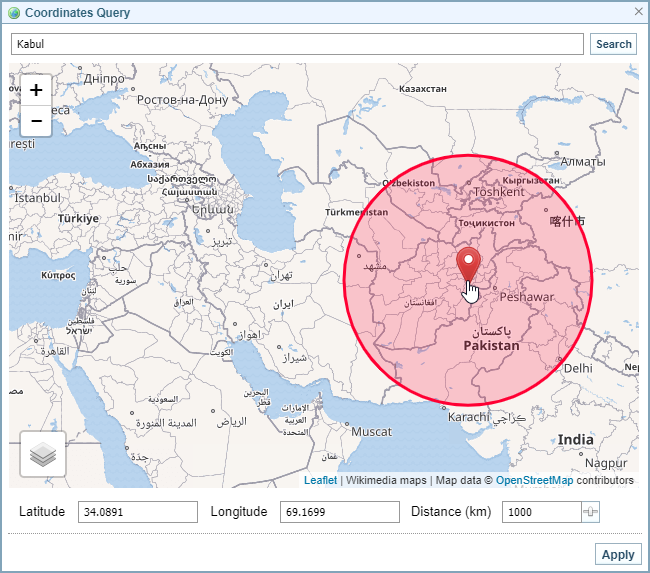
- To select the area in which you want to search for documents, click on the map. A red map marker is placed there with a circle showing a radius of 1000 km from that point.
- To enter specific coordinates, use the Latitude and Longitude fields below the map.
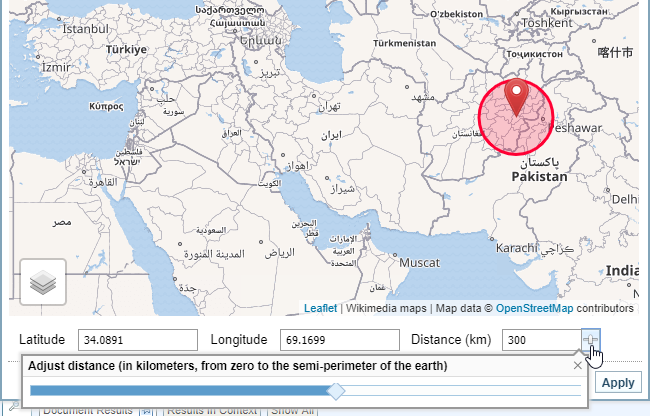
- To change the radius, enter the range (in kilometers) in the Distance field below the map, or click the icon beside the field, then use the slider to zoom in or out.
- Click Apply.
- Modify the search using the Search Options, if required:
- Click Search. The document search show all documents with location entities within the geographical range you specified.
- From the facet dropdown list select Document Tags.
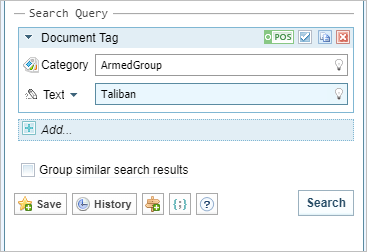
- Enter the tag category you want to search in then enter the text you want to search in.
- Do one of the following:
- To search for a specific word or phrase select Text from the dropdown list then enter the exact query.
- To search for multiple words or phrases select Dictionary from the dropdown list then choose the wordlist you want to use.
- Modify the search using the Search Options, if required:
- When you are satisfied with your query, click Search.
- From the facet dropdown list select Ingestion Property.
- From the Category dropdown list select the category you want to search in.
- From the Property dropdown list select the property you want to search in.
- Select the query type, that is:
- Text, then enter the specific word or phrase you want to find.
- Dictionary, then select the dictionary and wordlist you want to use. Using a Dictionary enables you to quickly include groups of related keywords in a query.
- DateTime, then select the date range you want to search in.
- To add another context item as an alternative (for example, an OR operation), click Add Context Query, then enter the query.
- Modify the search using the Search Options, if required:
- When you are satisfied with your query, click Search.
- From the facet dropdown list select Ingestion Property.
- From the Property dropdown list select the property you want to search in.
- Select the query type, that is:
- Text, then enter the specific word or phrase you want to find
- Dictionary, then select the dictionary and wordlist you want to use. Using a Dictionary enables you to quickly include groups of related keywords in a query.
- DateTime, then select the date range you want to search in.
- Modify the search using the Search Options, if required:
- When you are satisfied with your query, click Search.
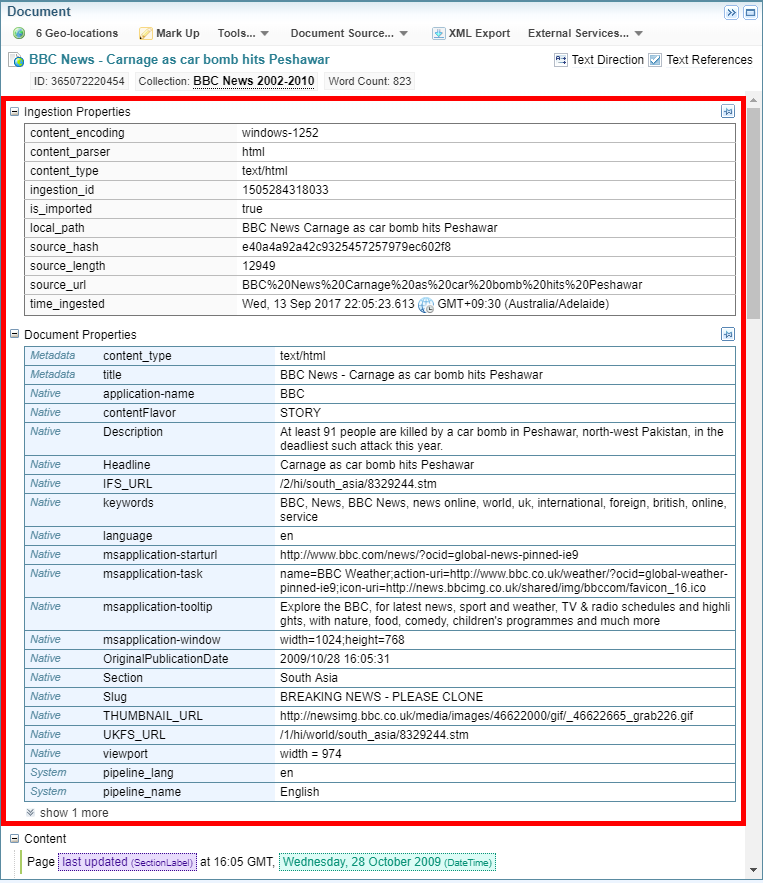
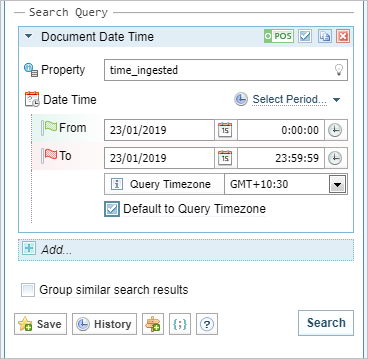
- From the facet dropdown list select Document Date Time.
- From the Property dropdown list select the document, or ingestion property you want to search in.
- Either select the period you want to search in from the Select Period dropdown list, or enter the date and time range in the fields provided.
- If you want to default to the query timezone when no timezones are available in documents tick Default to Query Timezone.
- Modify the search using the Search Options, if required:
- When you are satisfied with your query, click Search.
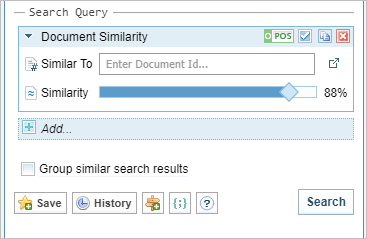
- From the facet dropdown list select Document Similarity.
- In the Similar to dropdown list enter the Document ID of the document.
- Use the slider to indicate the degree of similarity you require.
- Modify the search using the Search Options, if required:
- When you are satisfied with your query, click Search.
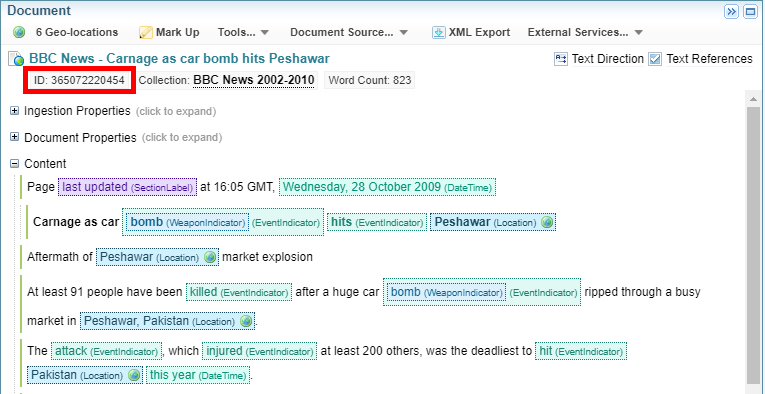
- From the facet dropdown list select Document ID.
- In the IDs field enter the Document ID. If you enter multiple IDs, separate them with a comma, or a space.
- Modify the search using the Search Options, if required:
- When you are satisfied with your query, click Search.
- From the facet dropdown list select Network Node Reference.
- In the Node ID field enter the Node ID.
- Context is used to refine search results so that only text references that meet a specified context criteria are returned in search results. To add another context item as an alternative (for example, an OR operation), click Add Context Query, then enter the query. For more information see Context query language.
- Modify the search using the Search Options, if required:
- When you are satisfied with your query, click Search.

Search text
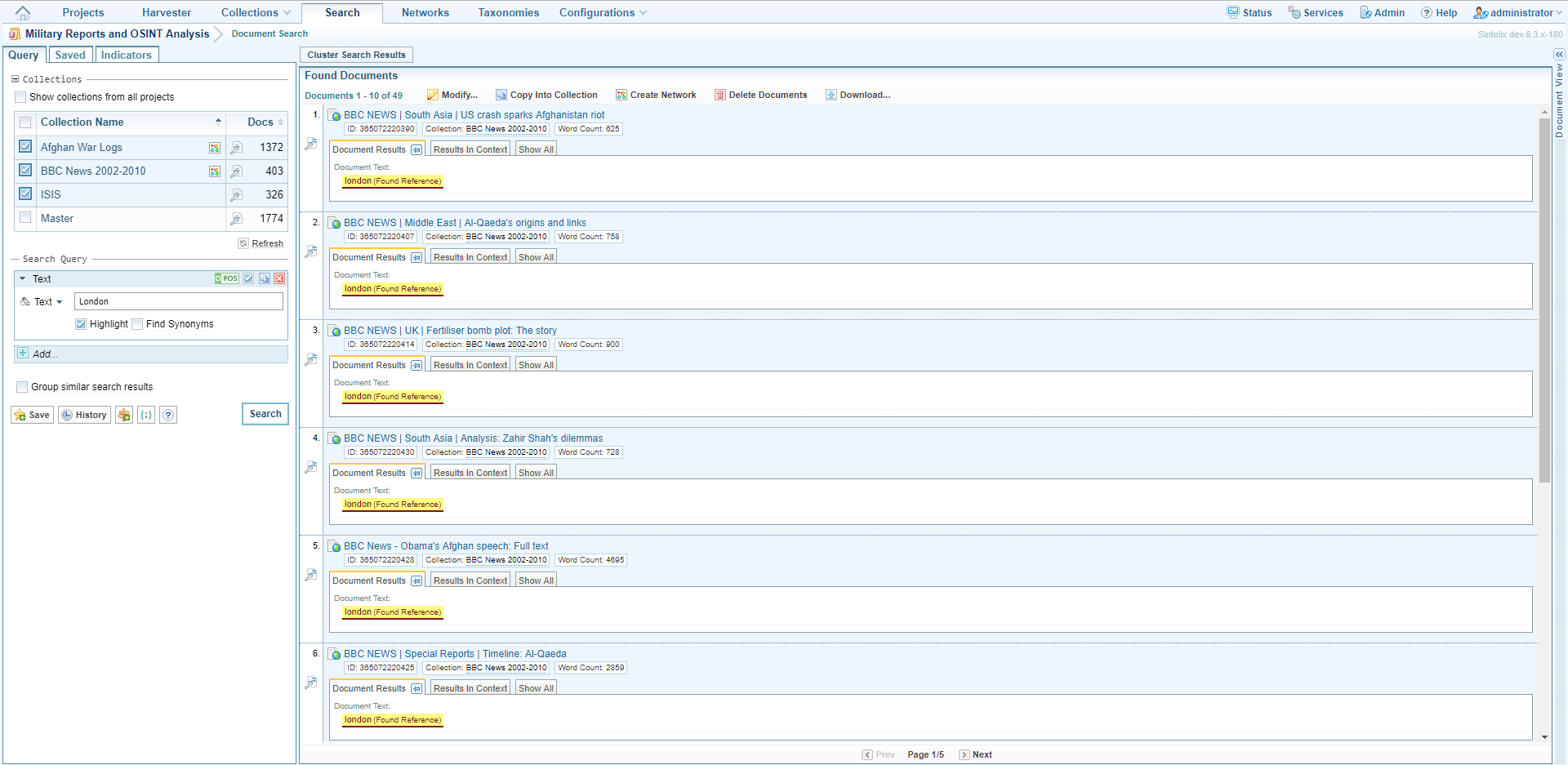
The Text facet searches all the available text in a collection and performs a broad keyword search.
To search text:
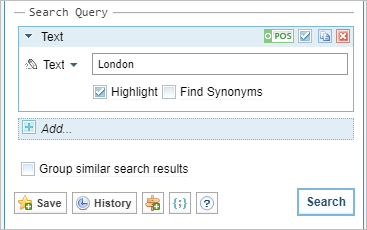
Documents that contain this text are shown in the Found Documents panel.
Search text references
The Text Reference facet is for finding documents based on their text references.
To search text references:
For information on searching geographical coordinates see Search geographical coordinates below.
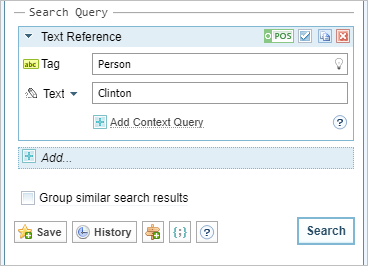
Documents that contain this text are shown in the Found Documents panel.
Search geocoordinates
You can search for documents that contain references to locations that fall within a specific geographic area. For example, you may want to find documents that reference locations within a 500 km radius of a particular capital city, or a disease outbreak or a war zone. A geocoordinates search uses the Text Reference search facet.
To search geographical coordinates:
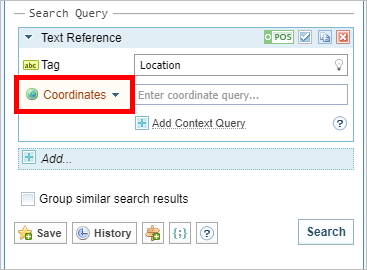
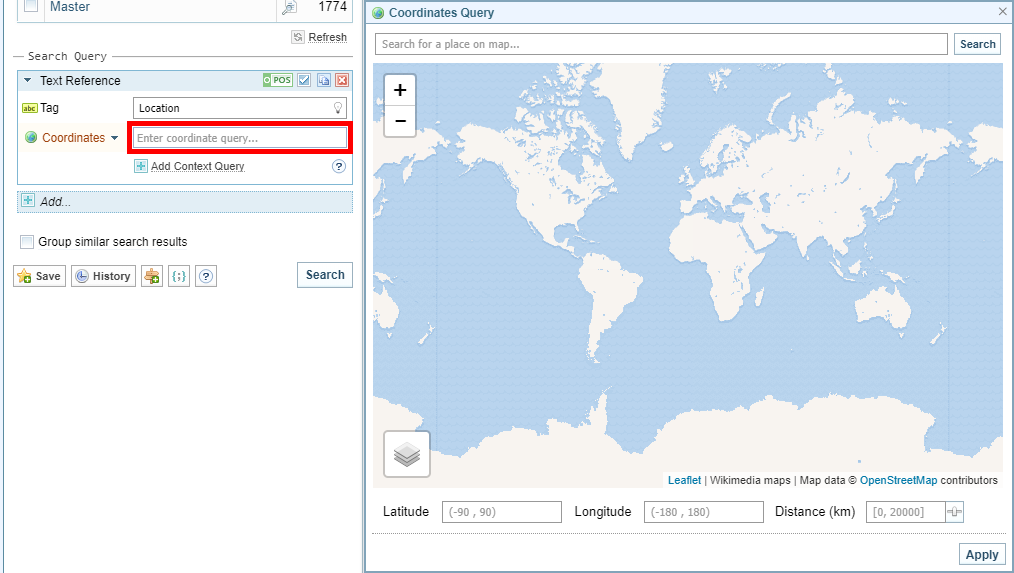
You now need to indicate the area in which you want to search for references to locations in documents.
Search document tags
To search document tags:
Untokenised fields which include text in Document Tags and Ingestion Properties can only be searched using exact queries. For information on how to write exact queries see Advanced Search.
Documents that contain this text are shown in the Found Documents panel.
Search document properties
Use this search facet to search for information in document properties, for example, the title, author or keywords.
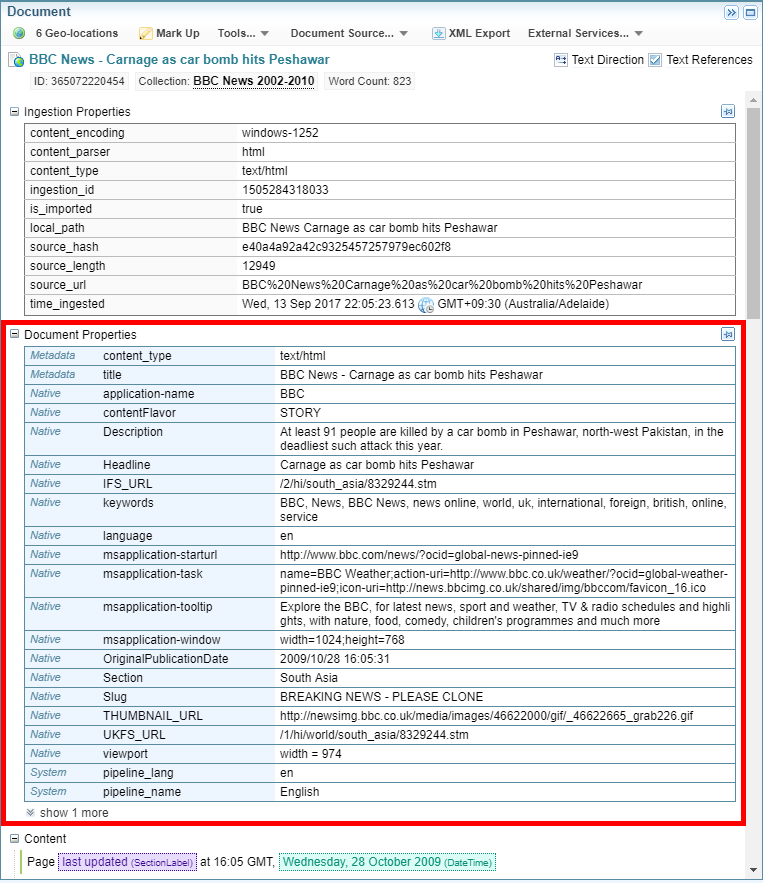
To search document properties:
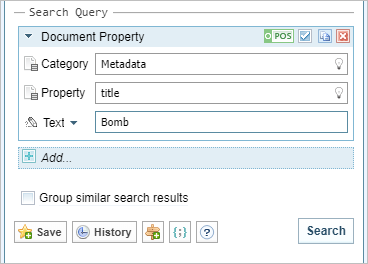
Documents that contain this text are shown in the Found Documents panel.
Search ingestion properties
Use this search facet to search for information in the ingestion properties of documents, for example, the language settings and the parser that was used.
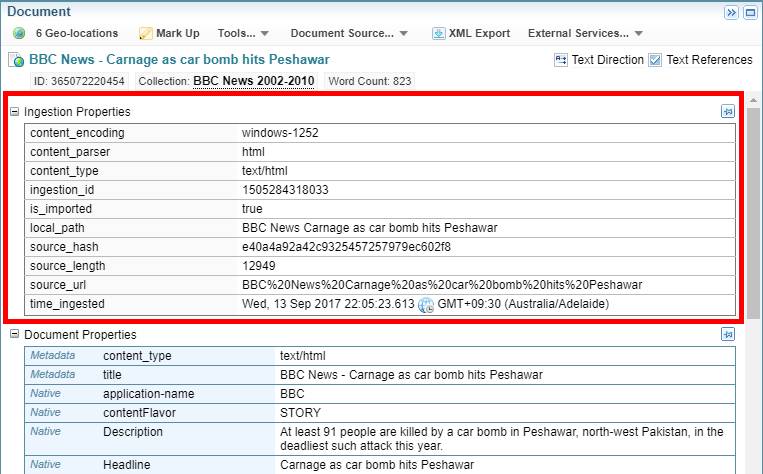
To search ingestion properties:
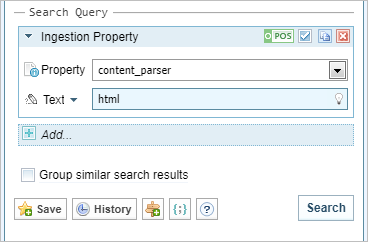
Documents that contain this text are shown in the Found Documents panel.
Search document date time
Use this search facet to search for datetime information in document and ingestion properties.
To search document time and date:
Documents that contain this text are shown in the Found Documents panel.
Search document similarity
Use this search facet to search for documents that are similar to a specific document. You will need to enter this document's Document ID.
To search document similarity:
Documents that contain this text are shown in the Found Documents panel.
Search document ID
Use this search facet to search for a documents with specific Document IDs.
To search for one or more documents with specific document IDs:
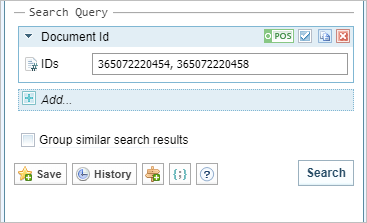
Documents that contain this text are shown in the Found Documents panel.
Search network node references
Use this search facet to search in network node references.
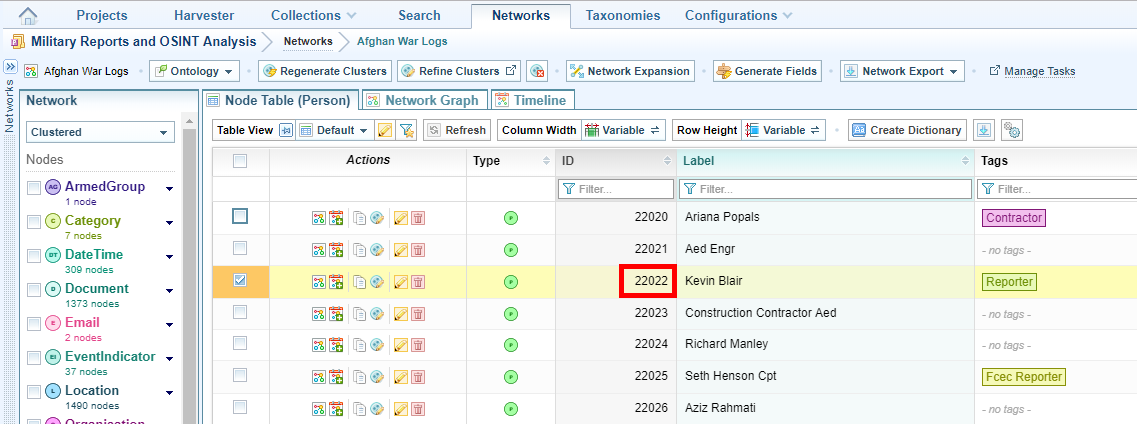
To search network node references:
To find a network node ID, open the network, find the relevant node in table view, then refer to the ID column.
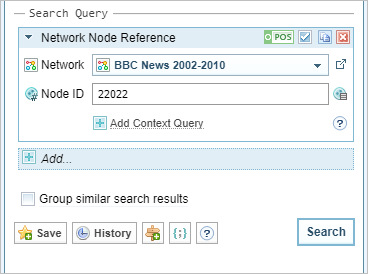
Documents that contain this text are shown in the Found Documents panel.
Search Options
Find documents that do not meet the search facet
By default, documents that meet each search facet are included in the search, as indicated by the POS icon at the top right of the search facet box. To search for documents that do not meet the search query, click the POS icon to change it to NEG, as shown in the following example:

Exclude a search facet from a query
By default, search facets that you add to a query are included in the query, as indicated by a tick in the box beside the POS / NEG icon. To exclude a search facet from a query without removing it, clear the box.
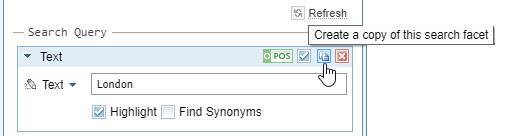
Copy a search facet
To create a copy of the search facet click Copy icon  .
.
Remove a search facet from a query
To remove a search facet from a query, click the Delete icon  .
.
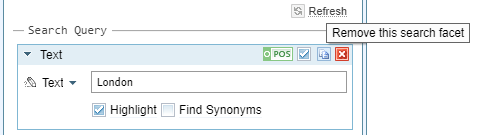
Do not highlight found references in the search results
By default, text that meets the search facet is highlighted as a found reference in the search results. If you do not want the text to be highlighted, clear the Highlight box.
Find synonyms
To find synonyms, select the Synonym box.
Add another search facet
To add another search facet to the query click Add then enter the details.
Group similar search results
To group similar search results, select the Group similar search results box.
Save the query
To save the query, click Save.
View recent history
To view recent search history, click History.
Show query parameters in JSON
To show the query parameters in JSON, click the JSON button.