Custom Map Server
Sintelix can connect to a custom raster map server to display maps in documents, network tables and the network graph.
This configuration can be used to connect to an online raster map server, or to connect to an offline map server supplied by Sintelix.
Format
The custom map server needs to support requests for map tiles, using the X,Y,Z format:
http://localhost/{z}/{x}/{y}.pngSintelix will substitute {z} for the zoom level and {x},{y} for the map coordinates.
Sintelix Offline Map Server
Contact Sintelix support for information about connecting to an offline map server supplied by Sintelix.
The Sintelix offline map server provides higher resolution offline map offering better zoom capability. For example:
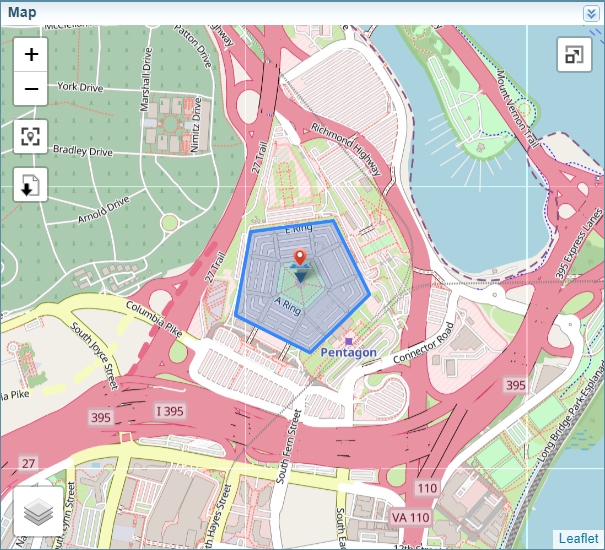
Configure the Custom Map Server
To configure the Custom Map Server:
-
Login to Sintelix as an Administrator
-
Go to the Admin tab
-
Go to the System Settings tab
-
Got to the Mapping section at end of the page.
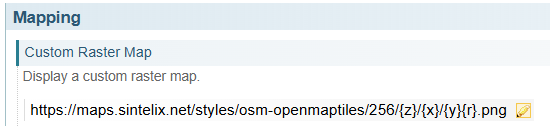
-
Select the Edit button
 to change the settings.
 -
Set the Raster Map URL to https://<map server host>/styles/osm-openmaptiles/256/{z}/{x}/{y}{r}.png.
-
Select .
Once a Custom Map Server is configured in Sintelix the "Custom Map Server" layer is available in each of the map windows.