Login to the Sintelix Agent
If the Sintelix Agent has been installed remotely (on a separate machine to Sintelix), you need to login to the Sintelix Agent to configure the Harvester Settings.
Login to the Sintelix Agent
To login to the Sintelix Agent, you:
- Navigate to the Sintelix Agent url and port set up during installation:
Example:
https://localhost:8082/
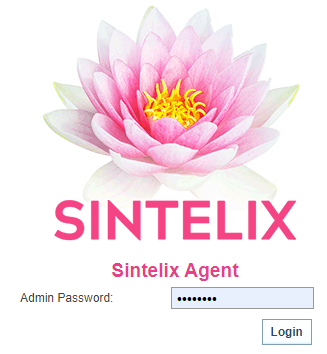
Result: The Sintelix Agent login is displayed.
- Enter the Sintelix Agent password (also setup during installation) and select Login.
Result: The Sintelix Agent screen is displayed summarising the agent connections.

Reset Agent Password
If you forget the agent password or need to modify/update the agent password, you need to reset the Agent Password:
- Go to admin.properties file in the agent database folder, for example \Sintelix database\agent
- Add the new password after 'sintelix.agent.password='
- Login to the Sintelix Agent with the new password.