Harvest Now
The Harvest Now feature allows you to quickly create a harvest job based on the entity text.

Harvest Now sends a search query based on the text in the current entity (node) to the Harvester. If the current entity is a URL, then Harvest Now automatically harvests just that URL location (rather than using the URL as a search query).
For example, if you select the entity [Joe Biden] and select Harvest Now, the text "Joe Biden" is sent to the Harvester to run a Harvest query, using default harvester settings.
Access
You can access the Harvest Now feature by right clicking on an entity to view the shortcut menu and selecting Harvest Now from the:
-
document pane, and
-
Network Table.
Requirements
Requires default harvesting settings to be set in Harvester. See Set as Default.
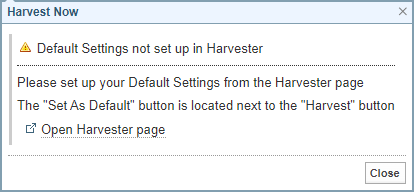
If a default is not set, a message is displayed with a link to open Harvester to set a default.
Harvest Now
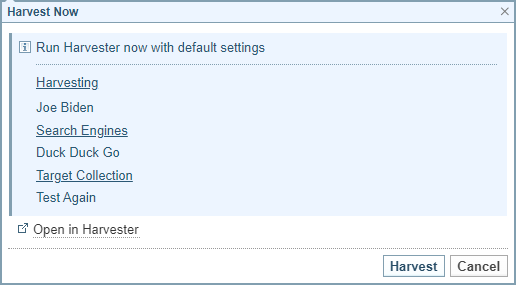
When you select Harvest Now the dialog summarises the Harvester settings.
You can either select:
-
 Open in Harvester to modify the settings before harvesting, or
 -
to run the harvest job.