System Logs
Administrators can view and download system logs, including system events, authentication activity and audit events.
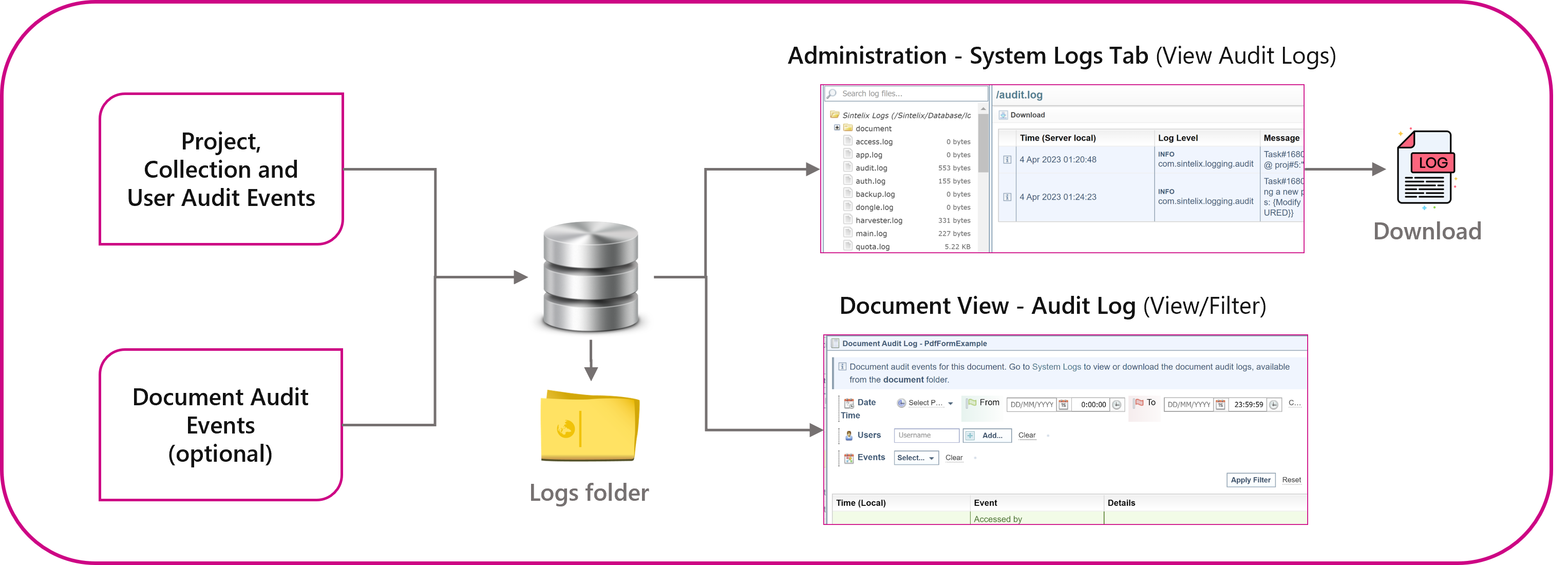
Optional Logs
Document Audit Logs are disabled by default and must be enabled.
See Audit Log Settings and Document Audit Log.
Settings
Administrators can enable and control Log settings from the Admin > Audit Logs tab. See Audit Log Settings.
Permission
Only Administrators can view the log files.
Access
There are different ways to access the log files:
-
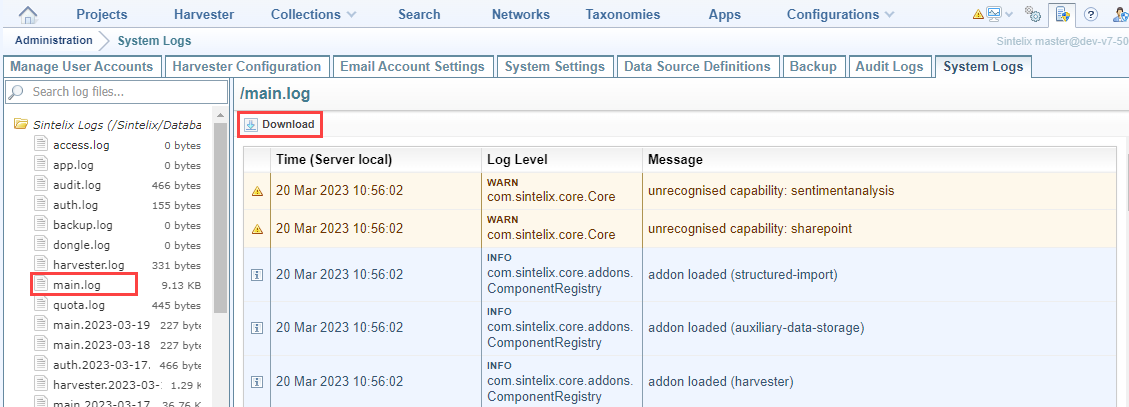
Select Admin > System Logs tab to view the Logs. Logs can be downloaded.
-
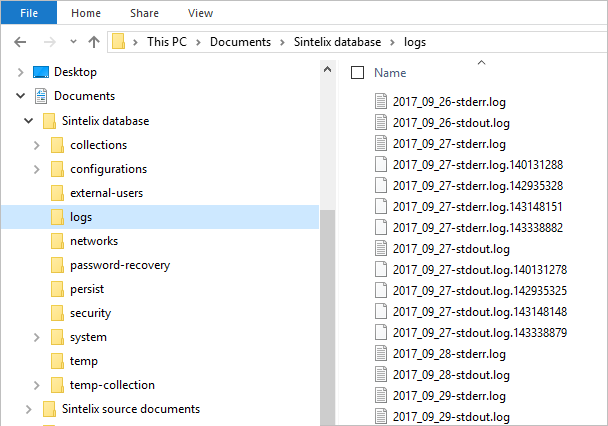
View Log Files on the Server saved in the <Sintelix database directory> The directory in which the Sintelix database is stored, for example, C:\Users\Documents\Sintelix database. \logs folder.
-
Document Audit Log: Select the
 Audit Log option when viewing a Document to open the Document Audit Log Dialog, which allows you to filter the log entries.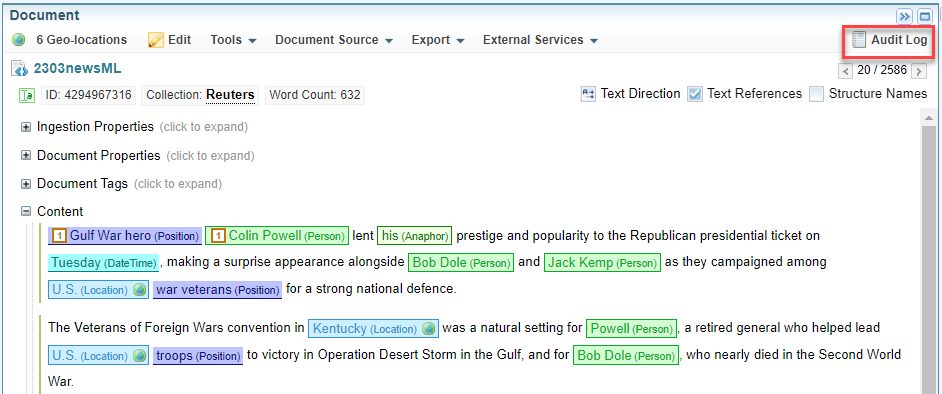
View Log Files
To view System Logs and Document Audit Logs using the Sintelix interface:
-
Select Admin > System Logs tab.
-
Select the log file you want to view.
For a description of each type of log file, see System and Harvester Log Files and Document Audit Log Files.
Download Log Files
Select the  Download option to download the selected log:
View Log Files on the Server
You can access the log files on the server by going to the <Sintelix database directory> The directory in which the Sintelix database is stored, for example, C:\Users\Documents\Sintelix database..
System and Harvester Log Files
Log files are archived daily. Previous log files have the date appended to their log file name.
Audit and system logs have the following names:
|
Log name |
Description |
|---|---|
|
app |
Errors and log entries generated by App configurations. |
|
auth |
All log in, log out and password change events for users. |
|
audit |
Records user actions that modify data, such as adding or removing projects and collections, changing networks, configurations, or editing text. This log does not record document or access events. |
|
backup |
Automatic backup events. |
|
dongle |
License dongle events. |
|
harvester |
Harvester status, job and error events. |
|
sterr |
Records system crash details. |
|
stdout, main |
Records system events. |
Document Audit Log Files
Document Audit logs reside in sub folders, and have the following names:
|
Log name |
Description |
|---|---|
|
/document |
These logs are stored in the document folder. Document Audit must be enabled, see Audit Log Settings. |
|
documentaccess |
Document access events, including time of access, user, document ID, and the location the document was access from (such as collections, search results, or network node view). |
|
documentdelete |
Document deletion events, including the document ID. |
|
/document/edit |
Sub-folder |
|
documentedit-[documentnumber] |
Document edit events, including details of the original and changed document content. |
Example
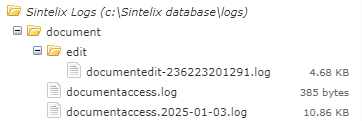
You can access the Document Audit Logs when viewing documents. Unlike when viewing system logs, you can see all log entries for the selected document in one user interface. You can also filter the log entries. See Document Audit Log