Document Audit Log
When Document Audit logging is enabled, Administrators can view the Document Audit Logs.
Settings
Administrators can enable and control Document Audit Log settings from the Admin > Audit Logs tab. See Audit Log Settings.
Permission
Only Administrators can view the Document Audit Log.
Access
You can access the Document Audit Log when viewing a Document:
-
Select the
 Audit Log option when viewing a Document.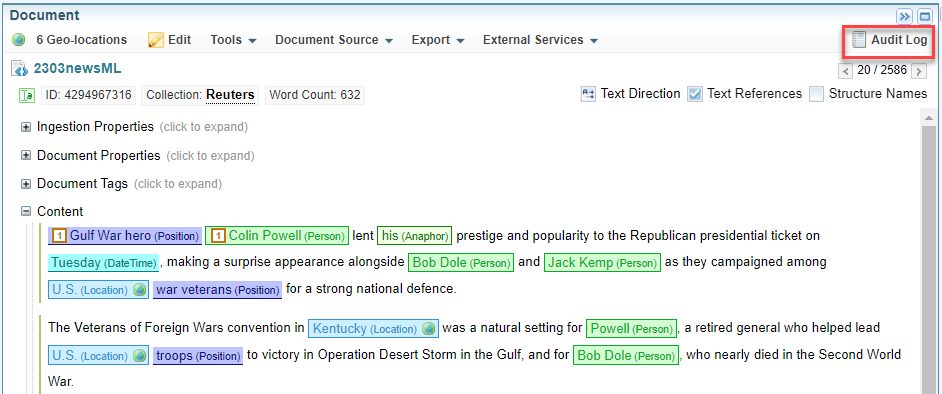
Result: The Document Audit Log Dialog is displayed, showing all document audit log entries for the selected document.
The Document Audit Log Dialog also allows you to filter the log entries. See Filter the Document Audit Log.
Alternative Access
You can also access the Document Audit Logs in the same way as System Logs.
-
Select Admin > System Logs tab to view the Document Audit Logs in the document folder.
-
View Log Files on the Server saved in the <Sintelix database directory> The directory in which the Sintelix database is stored, for example, C:\Users\Documents\Sintelix database..
When viewed using one of the above methods, the Document Audit Log Files are stored in separate log files.
Document Audit Log Dialog
When you select the Audit Log option, the Document Audit Log dialog is displayed.
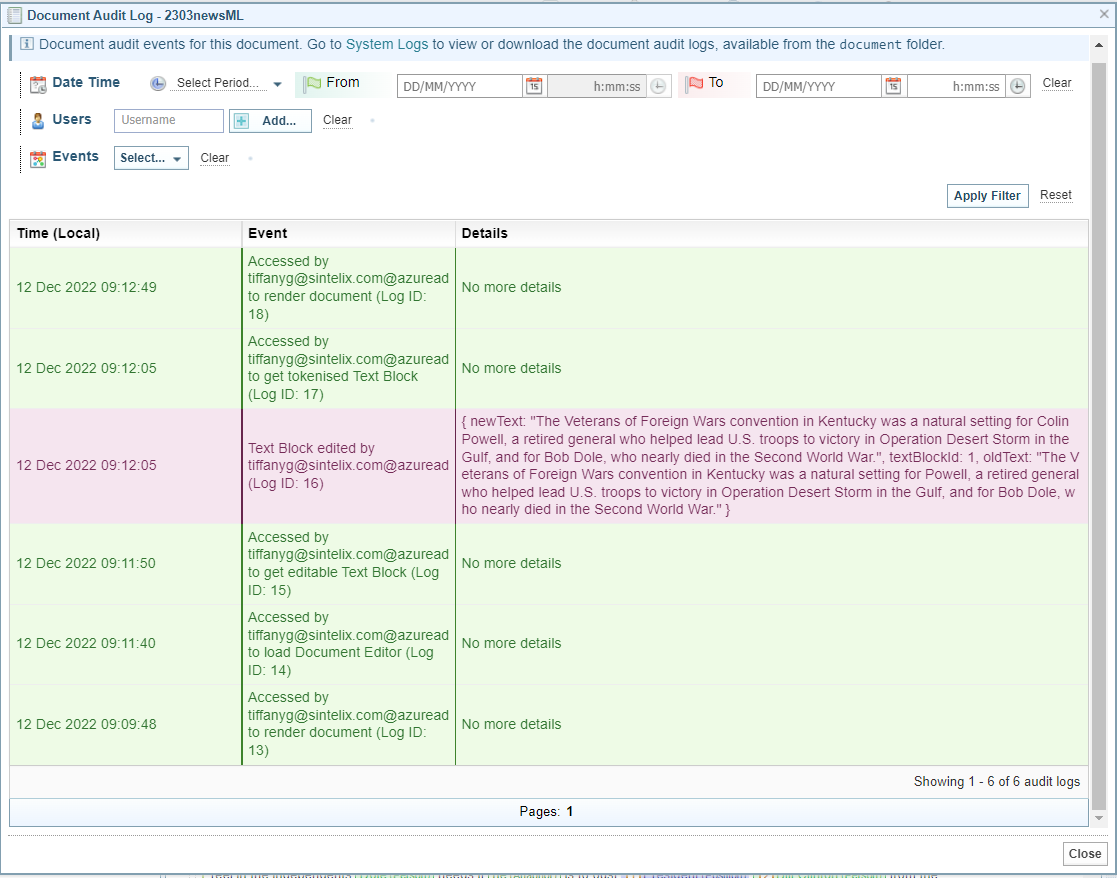
When more than one page of log entries are available, you can page through the log entries.
Filter the Document Audit Log
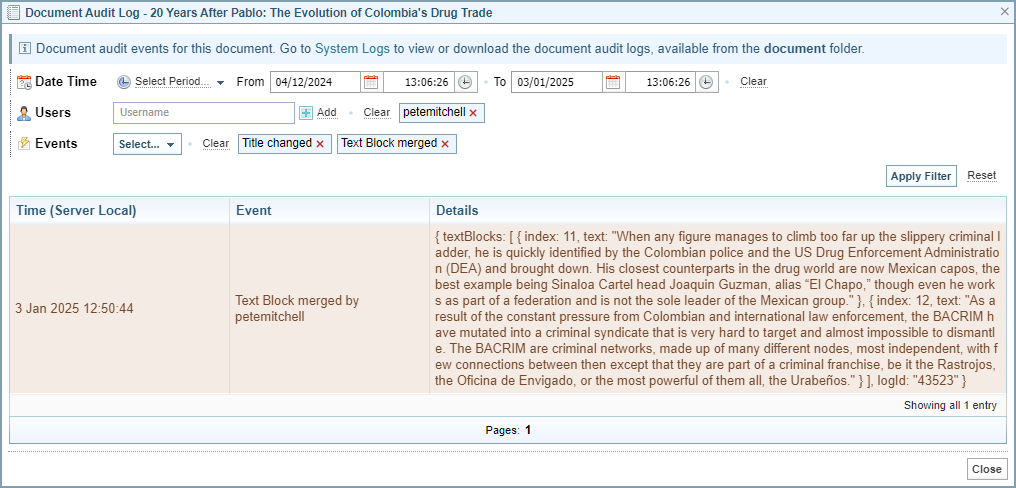
You can filter the Document Audit Log by Date Time, Users, or Events.
To filter the log:
-
Change the filter settings, as required. See the descriptions of the different Filters below.
-
Select the button.
Result: The filters are applied.
-
To clear the filter, select option.
Date Time Filter
You can filter the Document Audit Log to a date range by setting the Date Time fields.
Select Period
You can select a date time period from the Select Period dropdown.
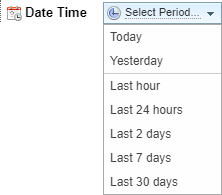
Result:
Once selected, the From and To date time fields are filled in based on the selected option.

From and To fields
You can manually change the From and To date time fields, by selecting the calendar icon  to select the required dates.
Clear
Select to remove any Date Time filters.
Users Filter
You can filter the Document Audit Log by Users.
Enter the username in the Username field and then select the  option.
The usernames entered are not validated. To simplify data entry, you can copy the usernames from the log entries.
Result:
The Username is listed.

Select the remove icon  to remove a selected user.
Select to remove all selected users.
Event Filter
You can filter the Document Audit Log to selected Events.
Select the event you want to view from the dropdown.
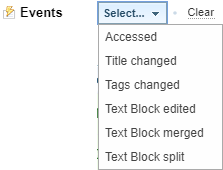
Result:

Select the remove icon to remove a selected event.
Select to remove all selected events.