Reset Administrator Password
You need to follow this procedure to reset an Administrator's password when:
-
there is not a second administrator account to generate a password activation token.
-
email notifications are not enabled, so you cannot get a password activation token emailed to you.
The administrator’s user name does not have to be ‘administrator’. ‘Administrator’ is used in this topic as an example, but any user name can be used for the administrator’s account.
To reset an administrator’s password:
-
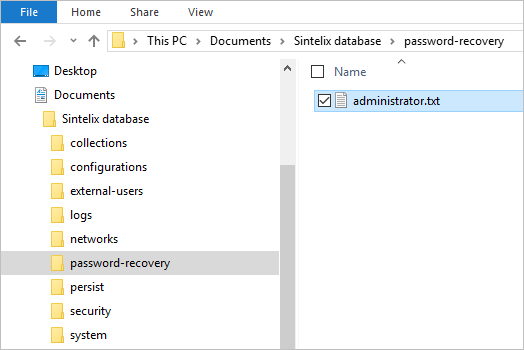
Go to the directory <Sintelix database directory> The directory in which the Sintelix database is stored, for example, C:\Users\Documents\Sintelix database.\password-recovery.
For example,
c:\sintelix database\password-recovery. -
Create a text file in this folder using the administrator user name, for example,
administrator.txt.In the file, save some simple text to used as the password activation token.
-
On the Sintelix Log In screen, select
 Password Recovery.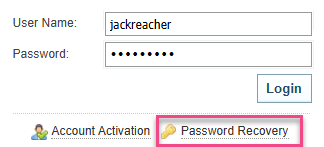
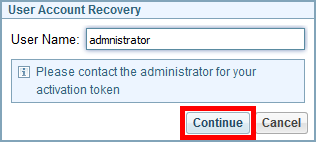
Result:The User Account Recovery dialog is displayed.
-
Enter your user name and then select .
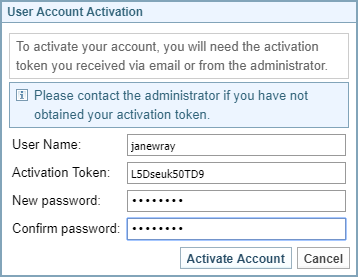
Result: The User Account Activation dialog is displayed.
-
In the Activation Token field enter the text that you typed in the text file.
-
Enter your new password then confirm it.
-
Select .
Result: The password is reset, you are logged in and the activation token file,
administrator.txtis deleted.