Edit Entities in a Document
Merge entities
All text references that mention the same object should be grouped into one entity. If they're not then:
- Select a text reference belonging to an entity you want to merge to. Its features and label remain in the merged entity.
- Right-click on a text reference belonging to the entity you want to merge.
- Select Merge into selected entity .
Make sure the features and label of the merged entity are correct. See Editing features below,
Split entities
To split an entity into two entities:
- Select a text reference belonging to en entity you want to split.
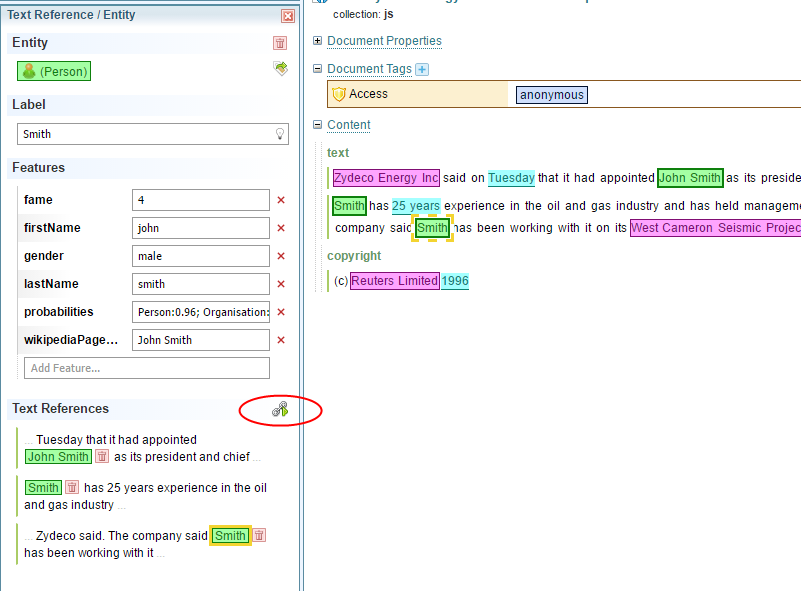
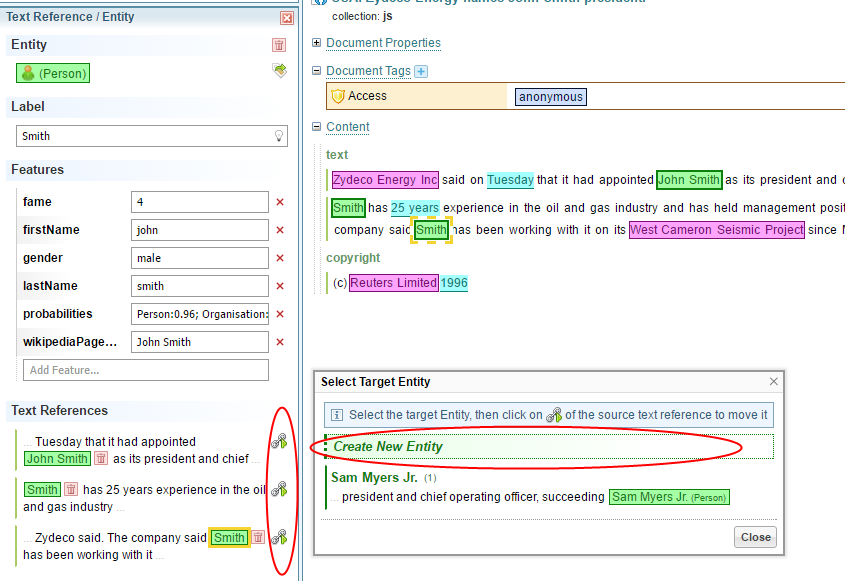
- On the left-hand side select Move text references to another entity .
- From the pop-up select Create New Entity .
- On the left-hand side, for each text reference that needs to be moved, select Move .
Make sure the features and label of both entities are correct (see Editing features below).
Edit features
To edit features of a text reference:
-
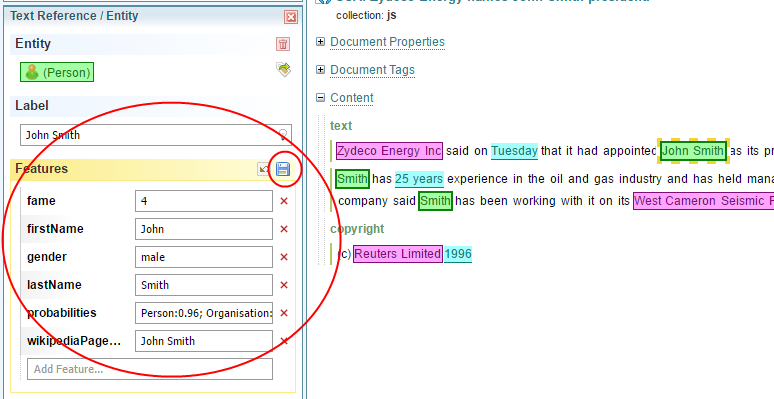
Select a text reference. The features and entity label are available on the left hand side.
-
Edit as required, then select Save .